Get ready for your holiday at the Molenhof: Your digital checklist

Be well-prepared for your stay at De Molenhof. To make use of our modern facilities and automated access, we kindly ask you to complete the following steps in advance. By registering your travel group and license plate beforehand, you can avoid waiting times and easily open the barrier and your accommodation using your own smartphone.

Check-in times are as follows: campsites from 1:00 PM, lodges from 3:00 PM, camping cabins from 2:00 PM, and the family house from 4:00 PM. Lodges, the family house, and tent lodges must be vacated by 10:00 AM. Trekker cabins and campsites must be vacated by 11:00 AM.

If you would like to arrive earlier, that’s no problem! You are welcome to use our facilities before check-in.

Are you having trouble or do you have any questions? Click here for the frequently asked questions (FAQ).


Step 1:

Step 1:

Set password for My Molenhof

You have received a reservation confirmation from us via email. Please follow these steps:

  • Open the email: Look for your booking confirmation.
  • Click the link: Use the link under the heading 'My Molenhof'
  • Choose a password: Set your own password to activate your account.

Please note: When logging in, use the email address you used to make the booking.

Step 3:

Step 3:

Log in to the app

Open the recently downloaded app on your phone to start preparing for your stay.

  • Open the app: Tap the Molenhof icon on your home screen.
  • My Molenhof: Tap the "My Molenhof" button on the app's homepage.
  • Log in: Log in with your email address (the one you used for booking) and the password you set in step 1.
Step 4:

Step 4:

Enter license plate

Ensure a smooth arrival by providing your license plate number in advance. This way, the barrier will open automatically as soon as you arrive.

  • My details: Tap the "My details" button at the top of the header.
  • Enter license plate: Scroll down this page to the license plate fields and enter your details.
  • Save: Scroll all the way to the bottom and click the "Save" button. Only then will the data be processed.
Step 5:

Step 5:

Enter travel companions

It is important for us to know who will be staying. You can easily fill this in for each person.

  • Select your booking: Click on your active reservation in the app.
  • Travel companions tab: Tap the "Travel companions" tab at the top.
  • Enter details: Enter the first name, last name, and date of birth for each companion.
  • Save: Don’t forget to save the details at the bottom of the page.

Step 6:

Upload selfies

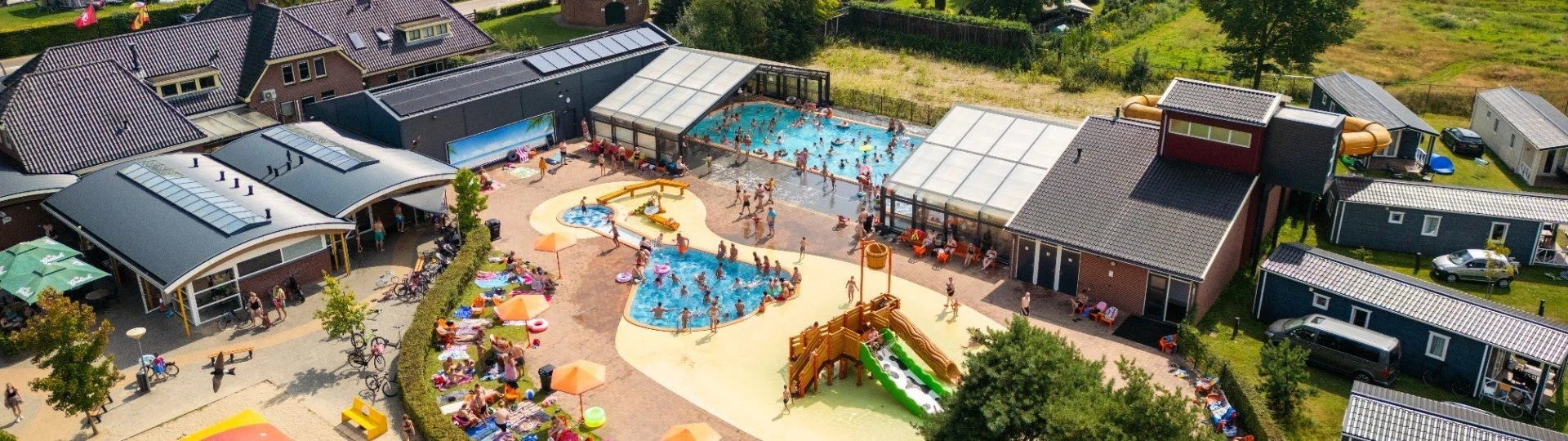
We use facial recognition to grant you access to the swimming pool. Please ensure that every member of your travel party uploads a photo.

  • Facial Recognition Tab: Open your reservation and go to the "Facial Recognition" tab.
  • Upload Photo: Upload a clear photo (selfie) for each person, ensuring the face is clearly visible.
    Access: Once the photos have been processed, you will have instant access to the pool throughout your stay.

Step 7:

The digital key

Everything is all set! From now on, your smartphone is the key to your holiday accommodation.

  • App Homepage: Return to the main screen of the app.
  • Find your key: Your digital key will now appear directly below the "Mijn Molenhof" button.
  • Open door: Use this button upon arrival to unlock your accommodation.

Step 8:

You are checked in!

Thank you for following these steps. You are now fully checked in digitally. There is no need to visit the reception; you can drive straight to your spot.

We wish you a wonderful stay at De Molenhof!